
BOUDREAUX’S COLLISION · REPAIR EDUCATION
Organizing Collision Repair Records
Keeping estimates, authorizations, photos and written communications together makes it easier to understand the repair conversation. Different documents can describe different stages, so the newest document should not automatically be interpreted as the only record that matters.
Illustration: Organizing Collision Repair Records
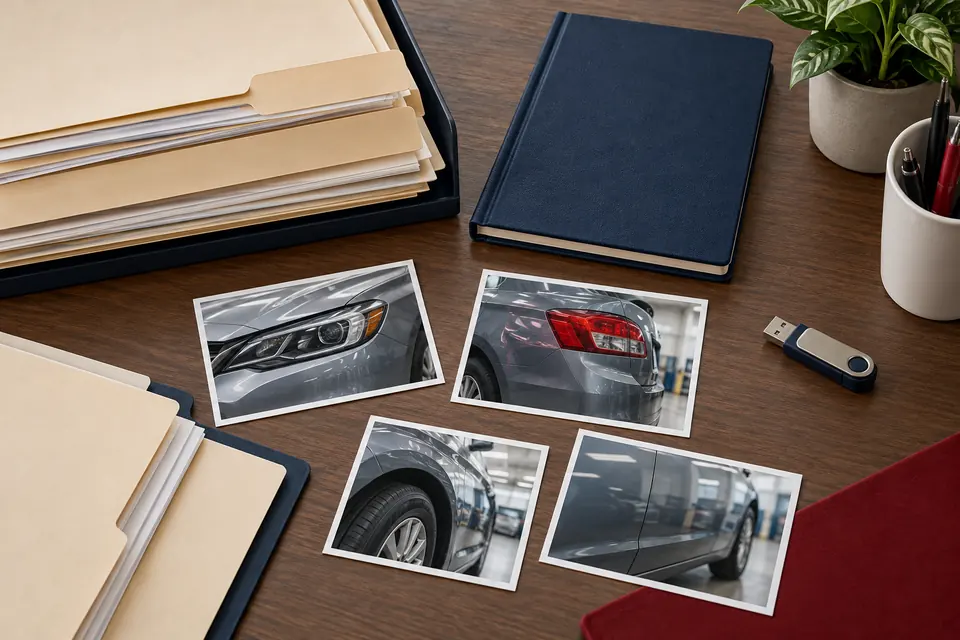
Generated educational illustration: organized repair records context. Not an actual customer repair, diagnostic result, staff member or Boudreaux’s facility.
What to Clarify for Your Vehicle
Label documents by purpose and keep the original files when revised versions arrive. Ask what changed and which decision requires your response. Clear records support discussion with the shop and insurer without guaranteeing coverage or a particular payment outcome.
Build a repair folder that follows the job
Keep the intake details, estimate versions, authorization records and final invoice together. Add relevant photographs, diagnostic reports, calibration results and aftercare instructions when provided. A folder organized by stage makes it easier to understand what changed.
Use dates and clear filenames, such as estimate-revised followed by its date. Preserve the earlier version instead of overwriting it. That lets you compare the proposed scope with the final work without relying on memory.
Separate repair information from payment information
Repair scope describes the work. Claim correspondence and payment records describe a different part of the process. Keep both, but label them clearly so an approval message is not mistaken for a complete repair record.
Before pickup, ask which completion documents are available and whether any issue remains open. Save the shop’s contact details with the folder. If a later concern arises, refer to the relevant operation and date rather than sending an unexplained collection of screenshots.
Example: finding the record behind a later question
Several months after pickup, an owner has a question about a component that was replaced. A folder containing only payment screenshots may not identify the final part or work. The final invoice and relevant completion records are the better starting point for that repair question.
Store the documents with clear labels and preserve each estimate version. If an invoice refers to another report, keep them together. A short note can identify which document contains the scope, which records payment and which contains aftercare instructions.
When contacting the shop, provide the vehicle, delivery date and specific operation. Send the relevant record rather than the entire collection of personal documents. This makes the question easier to resolve and limits unnecessary sharing. The aim is a traceable repair history, not an elaborate filing system that the owner will never maintain.
Related Guidance
Build a repair folder that answers the next question
Start with a simple index: the vehicle, event date, chosen repair location and the people handling the repair and claim. Keep the shop contact separate from the insurer contact. Each person may answer a different question, and a useful folder lets you find the relevant record without forwarding an entire history every time.
Group documents by purpose: estimates and revisions, repair authorizations, photographs, correspondence, invoices and any supplied check reports. Use dates and descriptions in filenames, such as estimate-before-disassembly or final-invoice. Avoid labeling every file final when another version may follow. Keep the original document alongside any notes you make about it.
A photograph shows an observation; an estimate describes a proposed scope; an authorization records permission for work; an invoice identifies completed charges. These records are related but do not mean the same thing. Keeping them distinct helps you avoid treating a photo submission or an insurer’s first estimate as a complete repair agreement.
Keep a short record of decisions and unanswered questions
After a repair update, note the date, contact, vehicle stage and the question discussed. If an answer affects scope, cost or pickup, ask for the relevant written explanation or document. A concise note might say that a part is awaiting inspection or that the revised estimate still needs review. Record what was actually said rather than supplying a conclusion.
Track open items separately from completed ones. For example, an added operation may have supporting photographs but still need an owner decision or an insurer response. If you only mark the entire claim approved, that distinction can disappear. Ask each contact which specific version and operation they are addressing.
Send only the records relevant to the request and use the recipient’s confirmed contact method. An intake request normally does not need unrelated medical, identification or financial documents. Ask the shop or insurer what they require rather than putting every sensitive record into a general website form.
Close the folder with the actual handoff information
Before pickup, obtain the final invoice and any supplied explanation of remaining or completed work. Keep care instructions and applicable calibration or measurement records in the same folder, labeled by purpose. Ask which record reflects the completed repair so you can distinguish it from an earlier proposal.
If a concern appears after delivery, the first useful reference is the work that was performed and when the symptom began. Add the date and circumstances to your notes without altering the original invoice. Contact the repairer with the relevant record and a concise description instead of a large, unlabeled collection of screenshots.
For Boudreaux’s, keep the selected New Orleans or Luling location in your index. Confirm the receiving contact when sending follow-up material or arranging another visit. The contact page is a starting point for the repair conversation; your folder should still identify which facility handled the vehicle and which questions belong with the insurer.